 Handy 3D
Print something amazing.
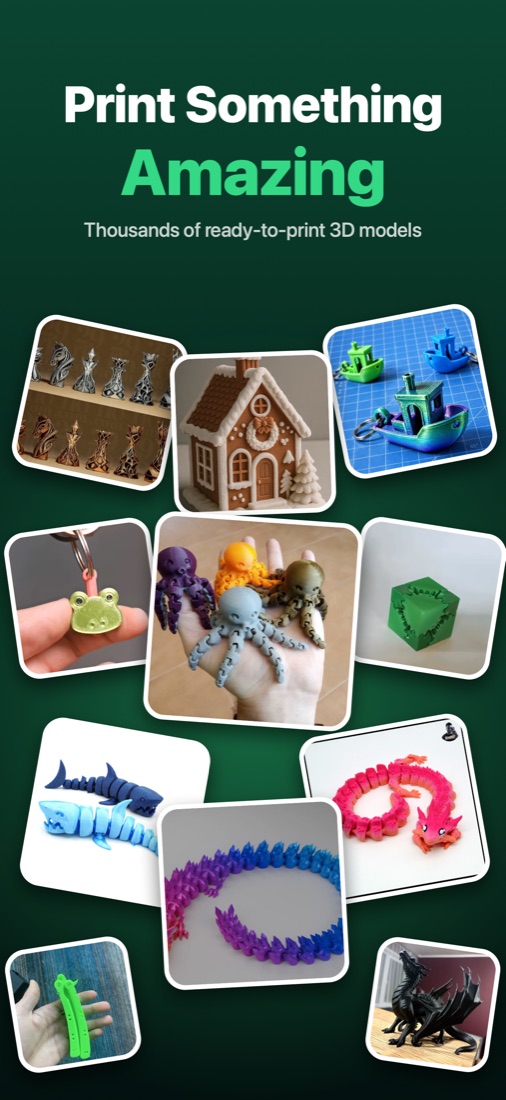
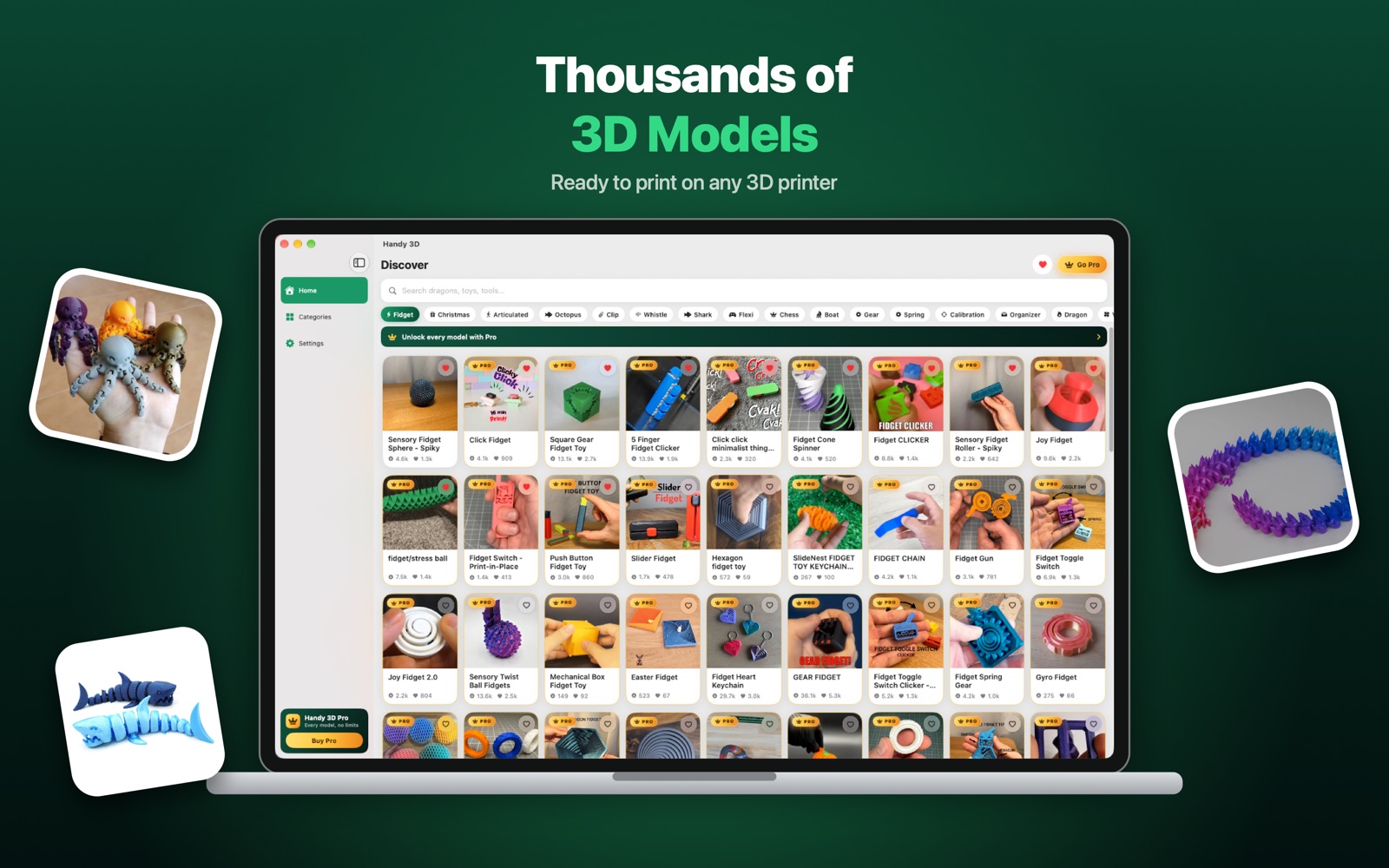
Thousands of ready-to-print 3D models — fidgets, flexi toys, articulated animals, organizers and more. Find one you like and download a standard STL in a single tap.
Everything you need for your next print
Built for makers who want a good model fast — not an afternoon of searching.
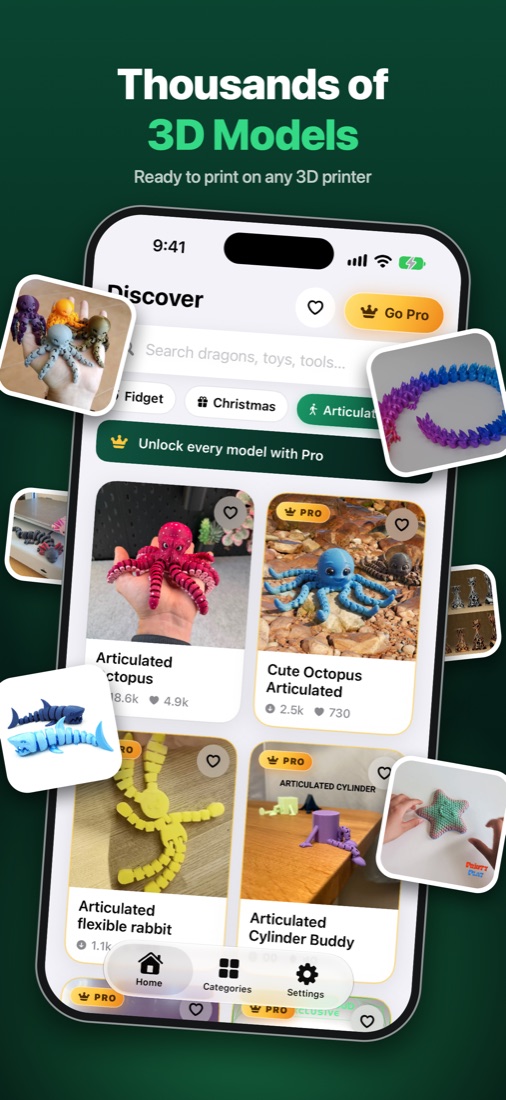
Thousands of models
Fidgets, flexi and articulated toys, dragons, organizers, planters, cosplay and more — updated all the time.
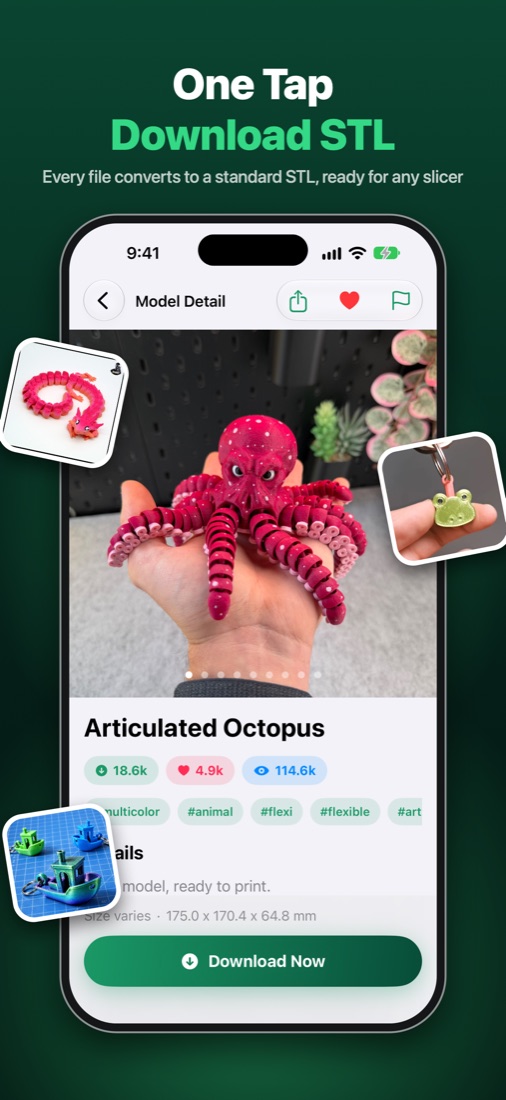
One-tap STL
Every model downloads as a standard STL. Packed formats are converted on your device automatically.
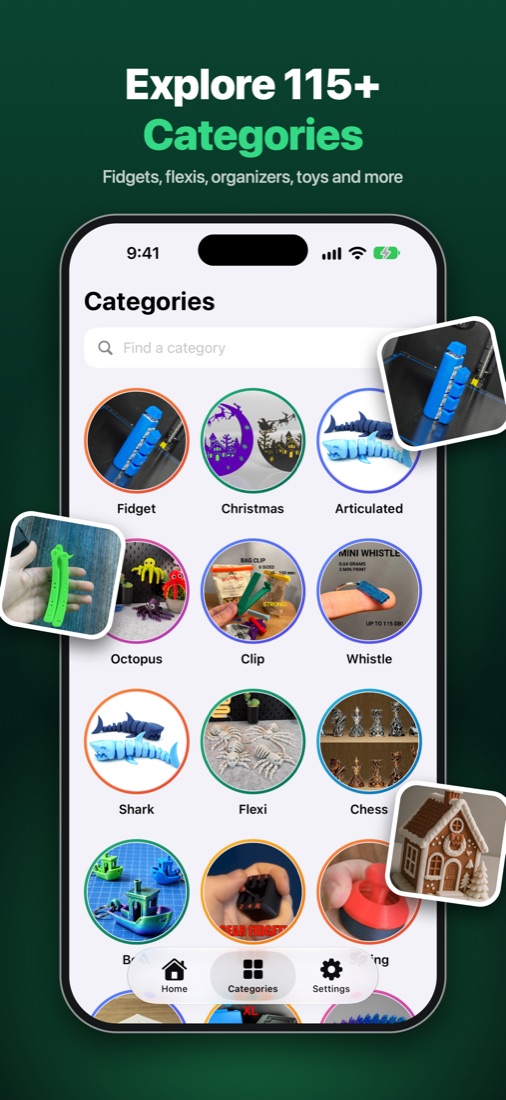
115+ categories
Ordered by what people actually print most, with a seasonal pick right at the top.
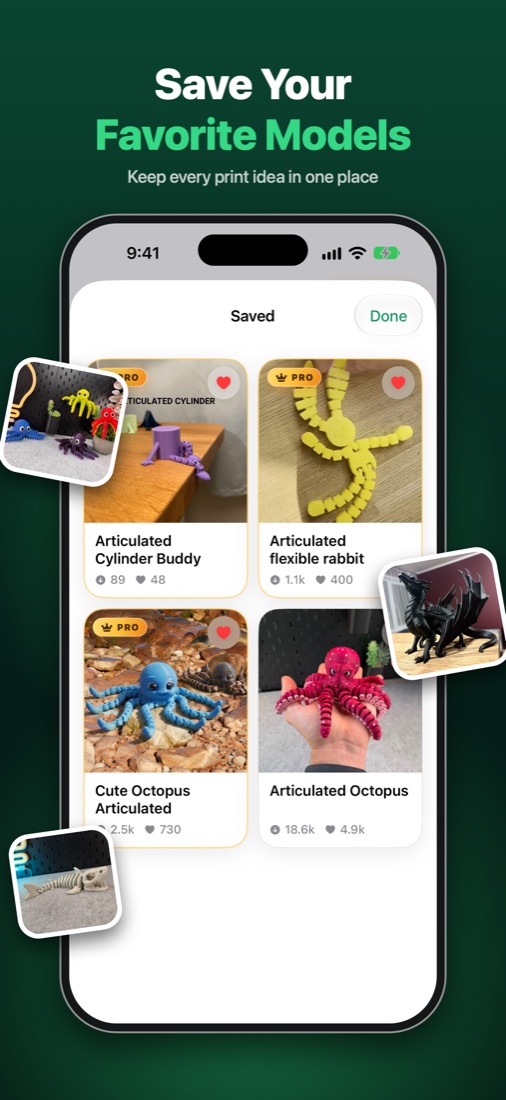
Save favorites
Keep every print idea in one place and come back to it whenever your printer is free.
Any slicer, any printer
Open your files in Bambu Studio, OrcaSlicer, PrusaSlicer, Cura or any other slicer.
iPhone, iPad and Mac
One app across your devices. On Mac, save straight to your Downloads folder.
Take a look
Real screens from the app.
Handy 3D Pro
The most popular models are part of Pro. Everything else stays free.
- Every model, however popular
- Unlimited downloads, no daily cap
- Standard STL, ready to slice
Weekly, monthly and yearly plans, or a one-time lifetime purchase. Subscriptions renew automatically unless cancelled at least 24 hours before the end of the period, and can be managed in your Apple Account settings. Prices are shown in the app in your local currency.
Questions
Which printers and slicers does it work with?
Any of them. Files are standard STL, so they open in Bambu Studio, OrcaSlicer, PrusaSlicer, Cura, Lychee and others, for any FDM or resin printer.
Where do downloaded files go?
On iPhone and iPad they are saved in the Files app under Handy 3D › Models, ready to share to your slicer. On Mac you can save them anywhere, such as your Downloads folder.
Do I need an account?
No. There is no sign-up and no login. Favorites are stored on your device.
How do I restore or cancel Pro?
Tap Restore Purchases in Settings inside the app. To cancel a subscription, open Settings › your name › Subscriptions on your device, or use the Manage Subscription link in the app.
Something is wrong with a model. What do I do?
Open the model, tap the flag icon and choose Report a Problem, or email dev.nomantariq@gmail.com. You can also hide any model from your feed.